
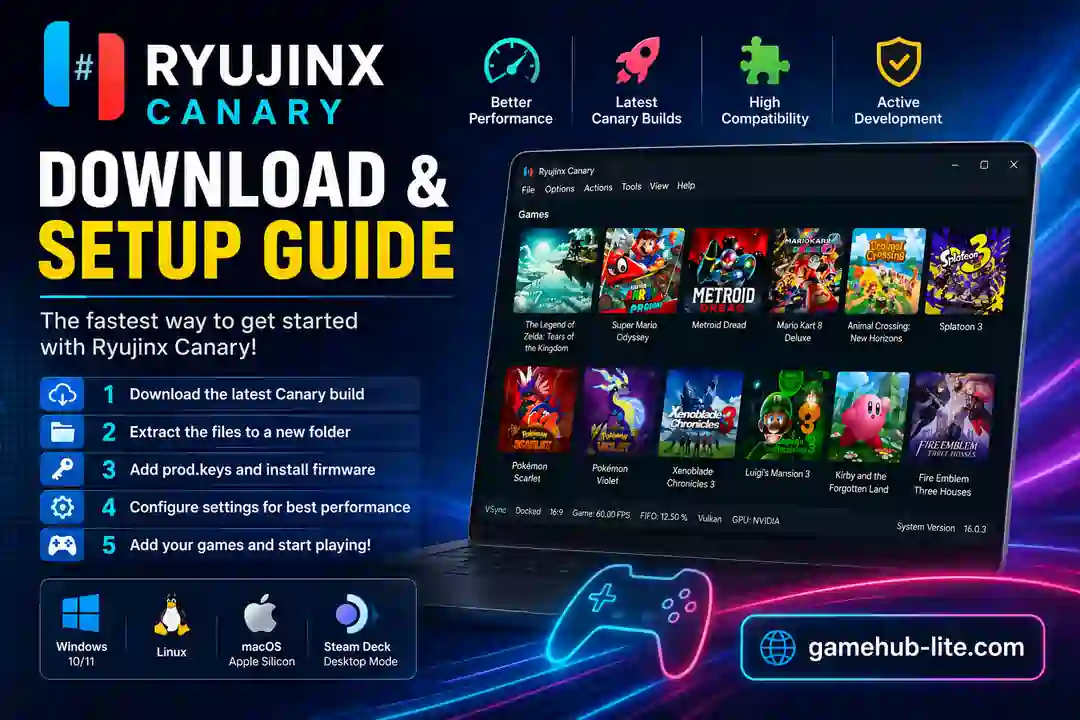
Ryujinx Canary is the experimental version of the popular Nintendo Switch emulator. It gets updates more often than the regular Stable version. These builds bring new features and game fixes faster.
Many gamers use it because it runs games better in some cases. However, it can have more bugs since it is still under testing. In 2026, it stays a top choice for Switch emulation on PC.
Key Highlights

- Fast and frequent updates
- Better game compatibility
- Good Vulkan and OpenGL support
- Works on Windows, Linux, and macOS
- Strong support for DLC and mods
- Higher resolution and FPS options
Design & Interface
The emulator has a clean and simple interface. Your game library shows nice cover art and titles. Menus at the top make it easy to find options.
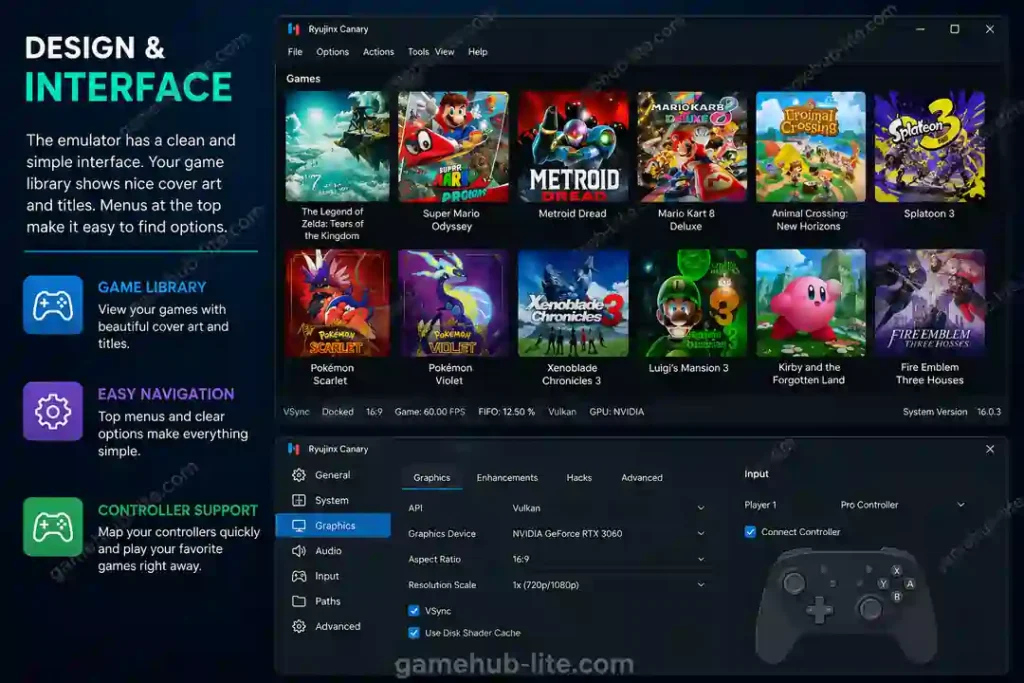
Settings are divided into clear tabs like Graphics, Input, and System. You can map controllers quickly. It feels easy even for new users.
Features & Customization
You can change many graphics options. These include resolution scaling, anti-aliasing, and filtering. Mods work well through LayeredFS. You can also add DLC easily.
It supports save states and different graphics backends. Vulkan usually gives the best results. You can set different settings for each game.
Performance & Compatibility
Canary often runs smoother than Stable on newer hardware. Shader cache helps reduce lag after the first run. Many popular games reach 60 FPS at higher resolutions.
Also Read: Play PC Games at 60 FPS
Users looking for top PC games for emulators can also check our tested GameHub Lite game list for high-performance titles.
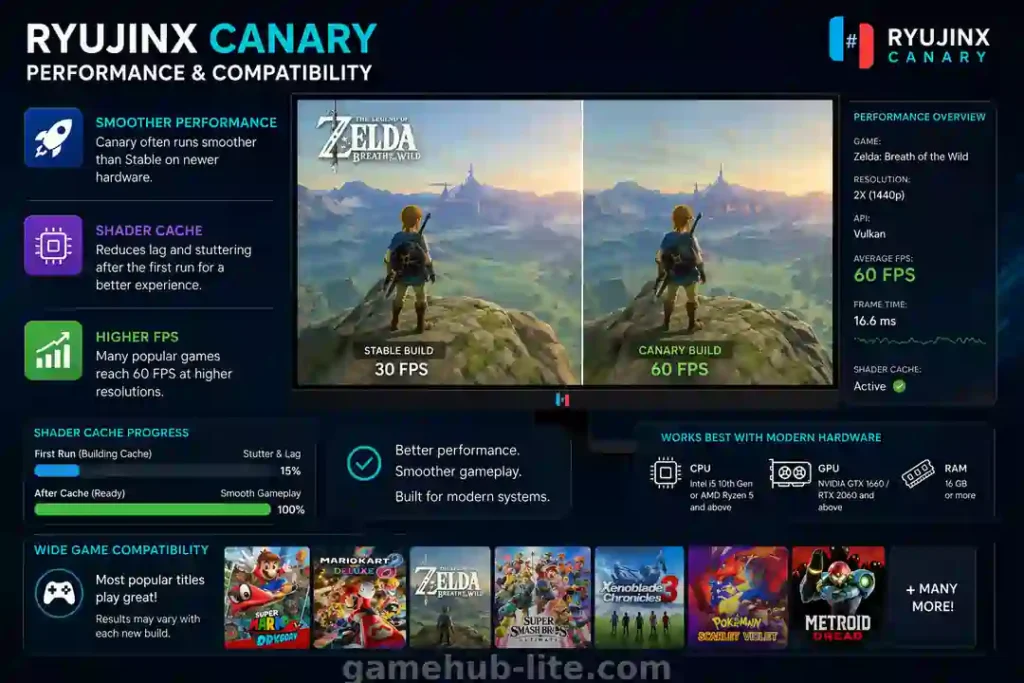
It works best with modern CPUs and GPUs. Most titles play fine, but results can change with each new build.
Real-World Gaming Experience
On a mid-range PC, games run smoothly at 1080p or higher. Loading is fast once shaders finish building. Steam Deck users get good results in Desktop Mode with Vulkan.
You may notice some stutter at the start. Occasional crashes can happen in new builds. Still, it gives a solid experience for hundreds of Switch games.
Safety & Legal Information
Always download from trusted sources. The official website is ryujinxcanary.com. Avoid unknown sites to stay safe from malware.
The emulator is legal, but you must only use game files you own. Dump your own games and keys.
Also Read: is GameHub Lite safe
Supported Platforms
Ryujinx Canary runs on:
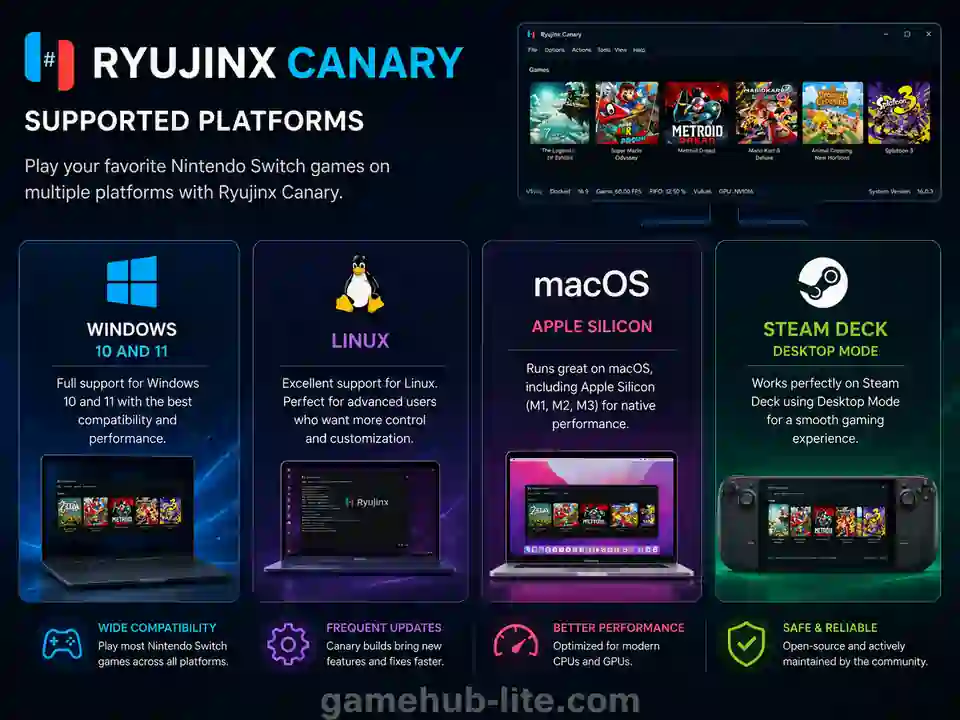
- Windows 10 and 11
- Linux (very good for advanced users)
- macOS, including Apple Silicon
- Steam Deck (Desktop Mode)
You can also learn how to play Steam games on Android for portable gaming on mobile devices.
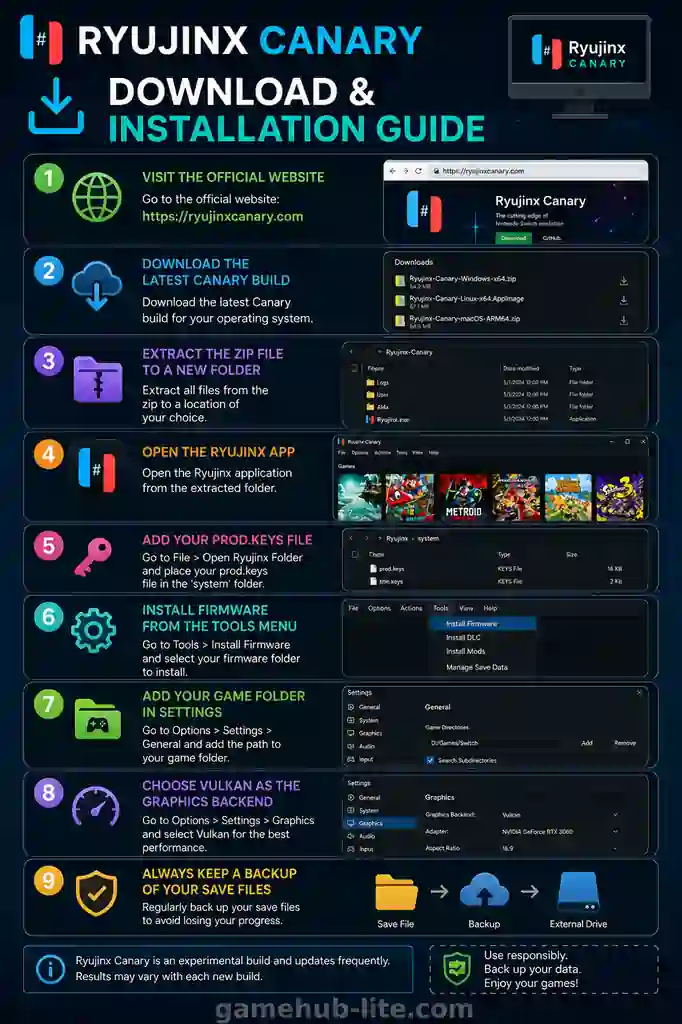
Download & Installation Guide
- Visit the Official Website: https://ryujinxcanary.com
- Download the latest Canary build for your system.
- Extract the zip file to a new folder.
- Open the Ryujinx app.
- Add your prod.keys file.
- Install firmware from the Tools menu.
- Add your game folder in Settings.
- Choose Vulkan as the graphics backend for better speed.
Always keep a backup of your save files.
Latest Version Details
In mid-2026, Canary builds are around version 1.3.301 and higher. New builds come out often, sometimes multiple times a week. Each update usually brings fixes and small improvements.
Ryujinx Canary vs Stable
| Feature | Canary | Stable |
|---|---|---|
| Updates | Very frequent | Slower |
| Stability | Experimental | More stable |
| New Features | Early access | Added later |
| Compatibility Fixes | Faster | Slower |
| Best For | Advanced users | Beginners |
Common Problems & Fixes
| Problem | Fix |
|---|---|
| Shader Stutter | Play longer to build the shader cache. |
| Crashes | Update your GPU drivers to the latest version. |
| Firmware Errors | Check your keys and firmware files again. |
| Low FPS | Lower the resolution scaling in settings. |
| DLL Errors | Run Ryujinx Canary as Administrator. |
Check: Reddit communities for more help.
Who Should Use Ryujinx Canary?
Ryujinx Canary is best for:
- Advanced emulator users
- PC gamers with modern hardware
- Steam Deck users
- Players who want the latest features
Beginners may prefer the Stable version first.
Also Read: GameHub vs GameHub Lite
Final Verdict
Ryujinx Canary offers strong performance, fast updates, and excellent Nintendo Switch game compatibility in 2026. Many users prefer it because new features and game fixes arrive quickly.
Since Canary is an experimental build, some versions may contain bugs or small stability issues. Even so, it remains one of the most popular Switch emulators for PC, Linux, macOS, and Steam Deck users.
For the best experience, always download Ryujinx Canary from official sources only. Use your own game files, keys, and firmware to stay safe and avoid problems during setup or gameplay.
Frequently Asked Questions
What is Ryujinx Canary?
Ryujinx Canary is the experimental and frequently updated version of the Ryujinx Switch emulator.
Is Ryujinx Canary safe?
Yes, if you download it from the official website ryujinxcanary.com. Avoid other sites.
Does Ryujinx Canary work on Steam Deck?
Yes, it works well in Desktop Mode with Vulkan settings.
How do I install Ryujinx Canary firmware?
Open the emulator, go to Tools, select Install Firmware, and choose your file.
What is the difference between Ryujinx Canary and Stable?
Canary gets faster updates and new features but can be less stable. Stable is better for reliable daily use.