
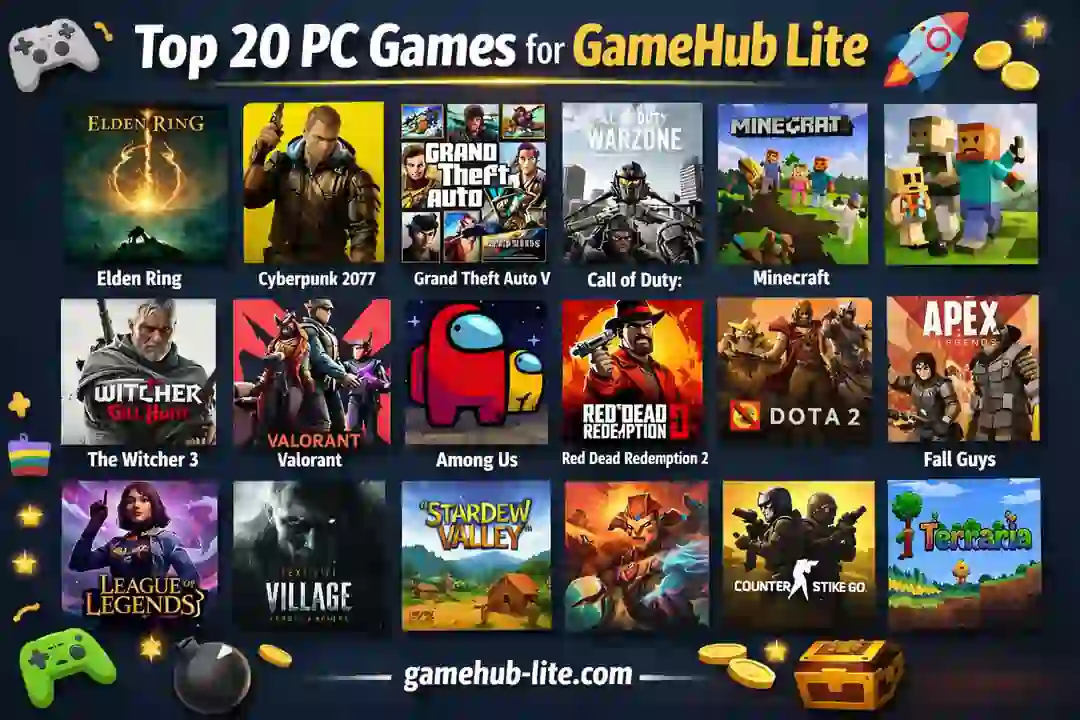
Android phones are now very powerful. In 2026, many users want to play their PC games directly on mobile. With GameHub Lite, this is now possible. You can run Windows games on Android using emulation. No cloud streaming is needed after setup.
This guide lists the Top 20 PC games that work well on GameHub Lite. These games are tested by users on high-end Android devices.
The focus is on real performance, stability, and playability. If you’re new to GameHub Lite, check out our GameHub vs GameHub Lite comparison to understand which version suits your needs. Also, see how GameHub Lite compares to other apps in our GameNative vs GameHub Lite 2026 guide.
What Is GameHub Lite?
GameHub Lite is a lightweight Android app. It allows you to run Windows PC games on your phone. It uses tools like Wine and Box64 for emulation.
You can install games using:
- Steam library (official method)
- Direct .exe files (manual import)
Once installed, games run offline inside containers. This makes it perfect for portable gaming. For a complete guide on importing games, see how to add PC games in GameHub Lite emulator.
System Requirements (Real-World Use)
To run games smoothly, your phone must be strong.
Minimum Requirements
- Android 12 or higher
- Snapdragon 8 Gen 2 / Dimensity 9000
- 8GB RAM
- 30GB free storage
Recommended Setup
- Snapdragon 8 Gen 3 or better
- 12GB–16GB RAM
- 50GB+ storage
- Cooling support (fan or gaming case)
Performance Levels Explained
| Level | FPS Range | Experience |
|---|---|---|
| Smooth | 50–60 FPS | Very stable, no lag |
| Medium | 30–50 FPS | Playable with small drops |
| Heavy | 25–40 FPS | Needs tweaks and cooling |
Also Read: How to Play The Witcher 3 on Android
Top 20 PC Games for GameHub Lite
Below are the best games that run well on GameHub Lite in 2026.
1. Hollow Knight
- Performance: Smooth (60 FPS)
- Type: Metroidvania
- Why it works: Lightweight engine and optimized design
2. Celeste
- Performance: Smooth (60 FPS)
- Type: Platformer
- Very stable. Perfect for touch or controller play.
3. Stardew Valley
- Performance: Smooth (60 FPS)
- Type: Farming Simulation
- Low system load. Runs on most flagship phones easily.
4. Hades
- Performance: Smooth (60 FPS)
- Type: Roguelike Action
- Fast combat with stable frame rate.
5. Portal 2
- Performance: Smooth (60 FPS)
- Type: Puzzle
- Works perfectly with controller support.
6. Half-Life 2
- Performance: Smooth (60 FPS)
- Type: FPS
- Classic game. Runs very well on emulation.
7. Undertale
- Performance: Smooth (60 FPS)
- Type: RPG
- Very light game. Works without any issues.
8. INSIDE
- Performance: Smooth (60 FPS)
- Type: Puzzle Platformer
- Great visuals and stable performance.
9. Cuphead
- Performance: Smooth (60 FPS)
- Type: Run & Gun
- Smooth gameplay. Needs a controller for best experience.
10. Ori and the Blind Forest
- Performance: Medium to Smooth (50–60 FPS)
- Type: Adventure
- Slight drops in heavy scenes. Still very playable.
11. Rayman Legends
- Performance: Smooth (60 FPS)
- Type: Platformer
- Perfect for casual gaming sessions.
12. Tomb Raider (2013)
- Performance: Medium (40–60 FPS)
- Type: Action Adventure
- Works well with reduced graphics settings.
13. Hitman: Absolution
- Performance: Medium (45–50 FPS)
- Type: Stealth
- Requires tweaks but stable overall.
14. Alice: Madness Returns
- Performance: Medium (50 FPS)
- Type: Action
- Smooth combat and unique visuals.
15. Tetris Effect: Connected
- Performance: Smooth (60 FPS)
- Type: Puzzle
- One of the best relaxing games on mobile.
16. Sea of Stars
- Performance: Smooth (60 FPS)
- Type: Turn-Based RPG
- Excellent optimization and low hardware usage.
17. Octopath Traveler
- Performance: Medium to Smooth (50–60 FPS)
- Type: JRPG
- Looks beautiful on high-resolution screens.
18. Fallout 3
- Performance: Medium (40–60 FPS)
- Type: Open World RPG
- Needs performance tweaks. Still playable.
19. Burnout Paradise
- Performance: Medium (50 FPS)
- Type: Racing
- Fast gameplay with minor drops.
20. Devil May Cry 4
- Performance: Medium (50 FPS)
- Type: Action Hack & Slash
- Smooth combat and stylish gameplay.
Best Settings for Smooth Gameplay
To get the best performance, use these tested settings:
- Resolution: 720p or 900p
- GPU Driver: Turnip (latest version)
- Compatibility Layer: Proton 10 or Wine 10
- DXVK: Latest stable
- Frame Limit: 60 FPS
- Background Apps: Closed
These settings reduce lag and improve stability. For more performance tips, check out how to play PC games at 60FPS on low-end phones.
Common Problems and Fixes
Low FPS
- Lower resolution
- Disable VSync
- Close background apps
Game Crash
- Switch between Wine and Proton
- Re-import game
Black Screen
- Update GPU driver
- Change DXVK version
No Sound
- Restart container
- Update audio drivers
Pros and Cons of GameHub Lite Gaming
Pros
- Offline PC gaming on Android
- Works with Steam and .exe games
- No cloud lag or subscription
- Portable gaming anywhere
Cons
- High battery usage
- Device heating during long play
- Needs powerful hardware
Who Should Use GameHub Lite?
GameHub Lite is best for:
- Users with flagship Android phones
- PC gamers who want portable gaming
- Users who travel often
- Emulator enthusiasts
Avoid it if you use low-end devices. Performance will not be stable.
FAQs
What are the best PC games for GameHub Lite?
Hollow Knight, Celeste, Hades top the list for smooth runs.
Which GameHub Lite supported games run at 60 FPS?
INSIDE, Stardew Valley, Portal 2 lock 60 FPS on flagships.
Can low-end PC games on GameHub Lite play on mid-range phones?
Yes, like Helio G99 handles 30+ FPS for many.
How to get GameHub Lite smooth gameplay?
Use Turnip drivers, 720p, Proton layer.
Is GameHub Lite good for Steam games on Android?
Yes, login works, many run smooth offline.
Conclusion
GameHub Lite is changing mobile gaming in 2026. It allows you to play real PC games on Android without cloud streaming.
The games listed above are tested, stable, and playable. Start with lighter games like Hollow Knight or Celeste. Then try heavier titles slowly.
If you use the right settings and a strong device, you can enjoy a smooth experience. You can also check our Ryujinx Canary setup guide if you want to explore Nintendo Switch emulation and advanced emulator performance.
GameHub Lite is not perfect yet. But it is one of the best ways to carry your PC games in your pocket.